User-Interface Design (WDD) (SQA National 5 Computing Science): Revision Note
Exam code: X816 75

User-interface design (WDD)
What is user-interface design?
User-interface design focuses on how a website looks and how easy it is for a user to navigate
UI design must meet both the functional requirements of the site and the end-user requirements
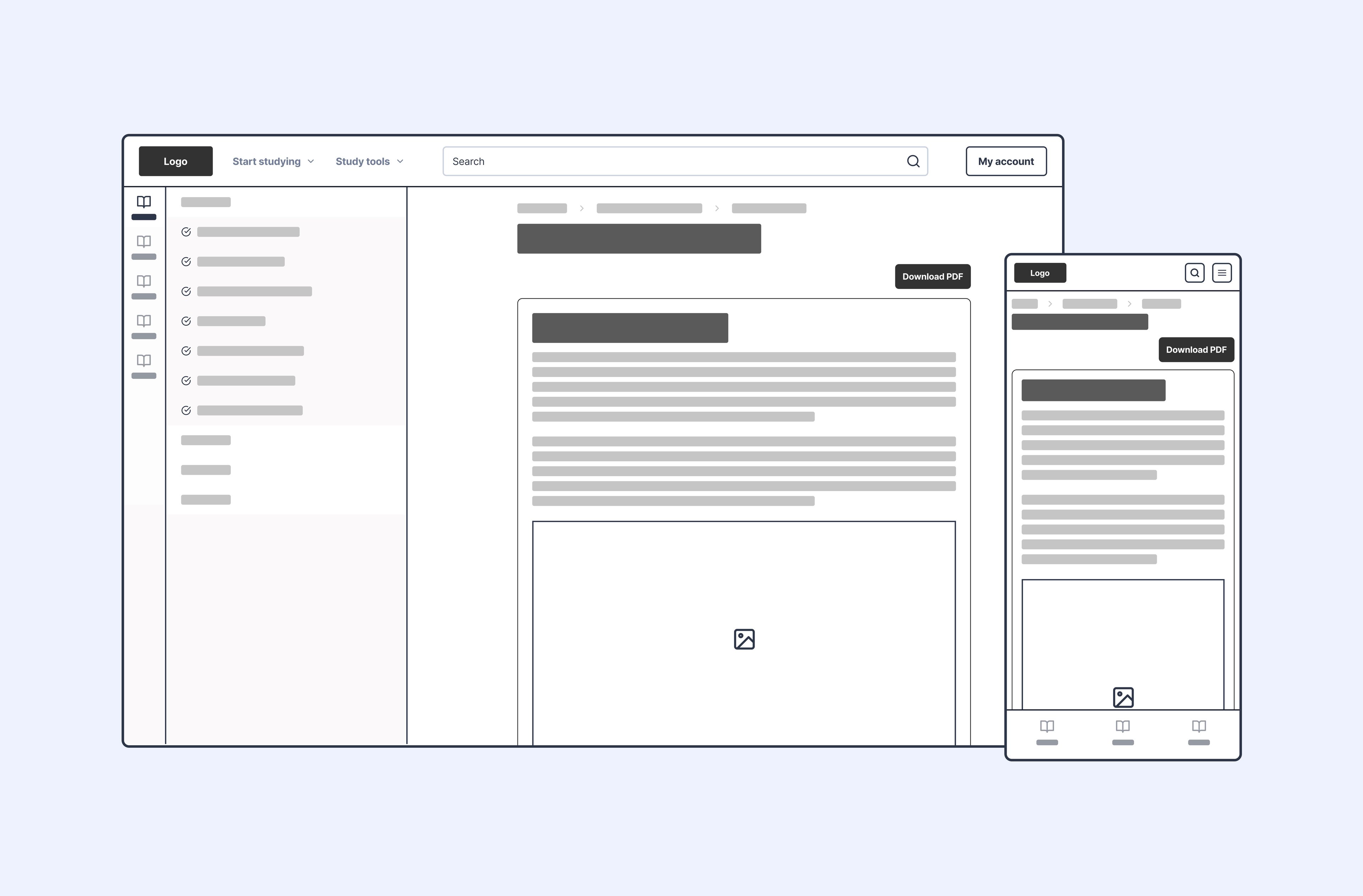
Wireframes are used to show how each page will look before building the website
Navigational links
UI design must clearly show where navigational links are placed on each page
Navigation must be easy to find and use
Navigation should help the user complete the tasks in the functional requirements
Navigation should be kept in a consistent position across all pages
Consistency across pages
All pages should follow a similar layout so the user does not need to relearn the interface
Repeated elements such as navigation, headings, and footers must stay in the same position
Consistency improves readability and supports the end-user requirements
Layout and positioning (wireframes)
A wireframe is a design tool and acts as the blueprint of the website
It shows layout, structure and positioning, nothing more
It exists for the developer, so they know where everything goes
A separate wireframe is required for each page of the website
Wireframes focus on:
Structure, not final colours or visual style
Position of all text on the page
Position of all media elements such as images, audio, and video
Position of all hyperlinks
Pages should use simple relative vertical positioning from top to bottom
Media is generally not expected to be placed side by side at this level
Worked Example
The "Eco-Garden Guide" website is being updated to include a dedicated Plant Profile Page for each type of plant. The current website design uses a consistent layout across all pages, including a top banner (for the site title and logo) and a bottom section (for navigation).
The client requires the new Plant Profile Page to contain the following specific elements:
Plant Image: A single graphic element (200px wide by 250px high) showing the plant, positioned relatively high on the page.
Nutritional Information: A short paragraph of text detailing the plant's food value.
External Reference Link: A clear, external hyperlink labelled "Scientific Research" linking to an academic site.
Preparation Steps: A bulleted list outlining three steps for preparing the plant for consumption (e.g., wash, chop, cook).
Home Link: A hyperlink positioned in the bottom section providing navigation back to the "Home Page."
Draw and annotate a wireframe design for the new Plant Profile Page. Your design must clearly show:
The intended relative vertical positioning of all five required content elements, including the image.
The intended position and type of all hyperlinks (internal and external).
The designated size of the Plant Image.
How the design ensures consistency with the existing website structure (top banner and bottom navigation section).
[4]
Answer
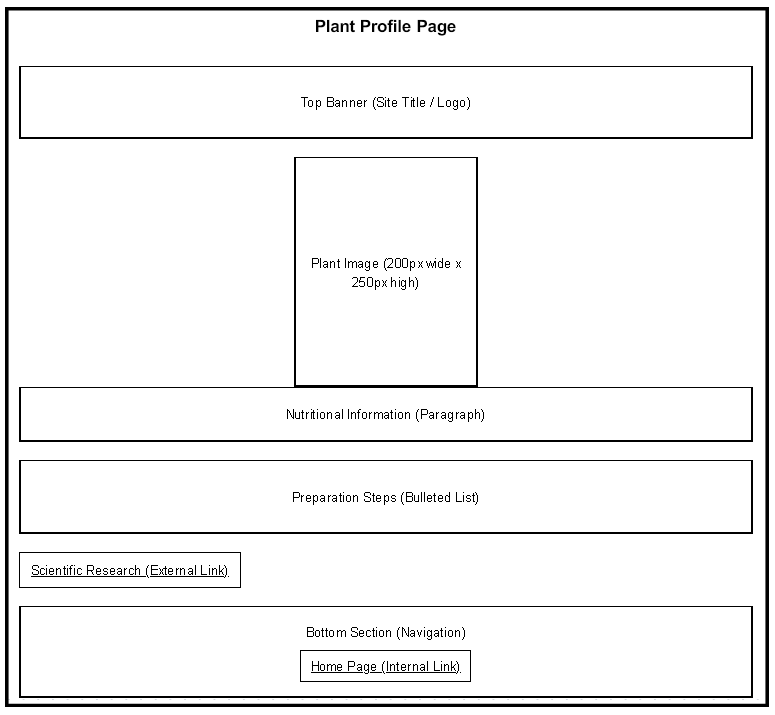
Clear page structure with a recognisable top banner and a distinct bottom navigation section [1 mark]
Text and media elements shown in logical relative vertical order with no side-by-side media [1 mark]
External link and internal link shown clearly in their correct locations [1 mark]
Image annotated with required size of 200px wide by 250px high [1 mark]

Unlock more, it's free!
Join the 100,000+ Students that ❤️ Save My Exams
the (exam) results speak for themselves:

Was this revision note helpful?
