Implementation (CSS) (SQA National 5 Computing Science): Exam Questions

Exam code: X816 75

23 mins7 questions
1
4 marks

MoveIt estate agency is developing a new website.

The following code is used to create the home page for the estate agent’s website. The home page includes a heading, a video, a welcome message and the company logo shown below.
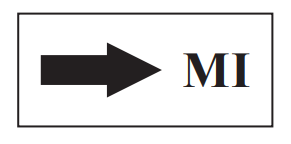
Black arrow pointing right towards the letters "MI" inside a rectangular border on a white background.
…
<style>
h1 {text-align:right;font-size:24pt}
.pageText {text-align:left;font-size:12pt}
</style>
…
<h1 class="pageText"> MoveIt Estate Agents </h1>
<video width="400" height="300" controls>
<source src="intro.mp4">
</video>
<p class="pageText"> Welcome to MoveIt Estate Agents </p>
<img src="logo.jpg" width="200" height="100">
…

The following code is used to create the page.

…
<h3> Features of the flat </h3>
<ul>
<li> Ground floor flat </li>
<li> 2 bedrooms with ensuite </li>
<li> Kitchen </li>
<li> Generous living area </li>
</ul>
<a href="floorplan.html"> See floor plan </a>
<h3> Contact Us: </h3>
<p class="contactInfo"> Agent: G Smith </p>
<p class="contactInfo"> Ref: AS1289 </p>
<p class="contactInfo"> Phone: 01355 876242 </p>
…

(i) Write the single CSS rule that could be used to centre align the three paragraphs underneath ‘Contact Us’, ensuring the size of the font is 12.

[3]

..............................................{..................................................

.................................................}

(ii)State the type of addressing in the hyperlink that is used to take the user to the floor plan page.

[1]

2a
3 marks

Alpine Valley Ski Resort are designing a website to advertise their resort.

The HTML for the home page heading is shown below.

<h1 id="SkiValley"> Alpine Valley Ski Resort</h1>

To make the heading stand out it should have a font size set to 40 pt and the colour set to ‘aqua’.

Write the CSS code to style the heading.

.........................................................{

{............................................................

.............................................................

}

2b
3 marks

Some HTML and CSS code for the ‘Kids Club’ page is shown below.

HTML

<body>
<h1 class="Kids"> Kids Club
</h1>
<p> The first rule of kids
club is </p>
<p id = "instructor"> to
always listen to the
instructor</p>
<p> every single time </p>
…
…
</body>

CSS

body{background-color:red;
color:white;
font-size:14px;}
p{color:green;
font-family:Verdana }
h1{font-size:28px}
#instructor{color:blue;
font-family:Calibri}
.Kids {text-align:center}

Describe how the ‘Kids Club’ heading will look when displayed in a browser.

3
4 marks

Blockland theme park is developing a new website for visitors.

The following code is used to create the home page.

<!doctype html>
<html>
<head>
<title>Blockland Home Page</title>
<style>
body{background-color:lightblue;font-family:arial;}
img{height:150px; width:150px;}
h1{font-family:helvetica; font-size:24pt; text-align:center;}
.openSection{text-align:left;}
div{background-color:white; font-size:12pt;}
</style>
</head>
<body>
<img src="blocklandLogo.jpg" alt="Blockland Logo">
<h1>Welcome to Blockland!</h1>
<div>
<h1 class="openSection">Ultimate Day Out</h1>
<p>With an amazing themed room to suit every Block Lover including
rapid race cars, terrifying tarantulas and spectacular space there
is something for the whole family.</p>
<a href="parkRides.html">Click here to view the rides in the
park</a>
</div>
…
<a href="parkShop.html">Click here to browse the shop</a>
</body>
</html>

Describe how the ‘Ultimate Day Out’ heading, including any background colour, will be displayed in a browser.

4
1 mark

Describe one benefit of using an external CSS file.

5
3 marks

The Shotokan Karate Club wants to create a website so members can view techniques and find information about the club.

Martial artist in a uniform performs a high kick with precise form against a grey background, showcasing balance and skill.

Part of the code from the ‘Punches’ page is shown below.

punches.html

…
<body>
<h1>Shotokan</h1>
<a href="shotokanclub.co.
uk">back to home page</a>
<h2>Punches</h2>
<div>
<h3>Snap punch</h3>
<p>This can be described as a
punch that instantly connects
to the target and returns
immediately.<p>
</div>
<div>
<h3>Lunge punch</h3>
<p>This punch involves taking
a step. It is the most
powerful punch in karate.</p>
</div>
<div>
<h3>Hook punch</h3>
<p>This punch starts at your
hip and moves towards the
opponent's temple.</p>
…

styles.css

body{ background-color :
lightBlue;
}
h2{ font-family: Arial;
font-size : 24px;
text-align: center;
}
h3{font-family: Arial;
color: yellow;
}

The club have decided to make the lunge punch their training focus. To show this they want the heading below to be red.

<h3>Lunge punch</h3>

Write an external CSS class to style the text and edit the HTML above to implement this change.

CSS rule

Edited HTML

6
2 marks

Read the following CSS code.

body{
font-family:Arial;
}
#section1{
color:red;
}
.menu{
text-align:center;
}

Identify one property and one class in the code above.

7
3 marks

Dog Day Care Centre requires a website to advertise their business.

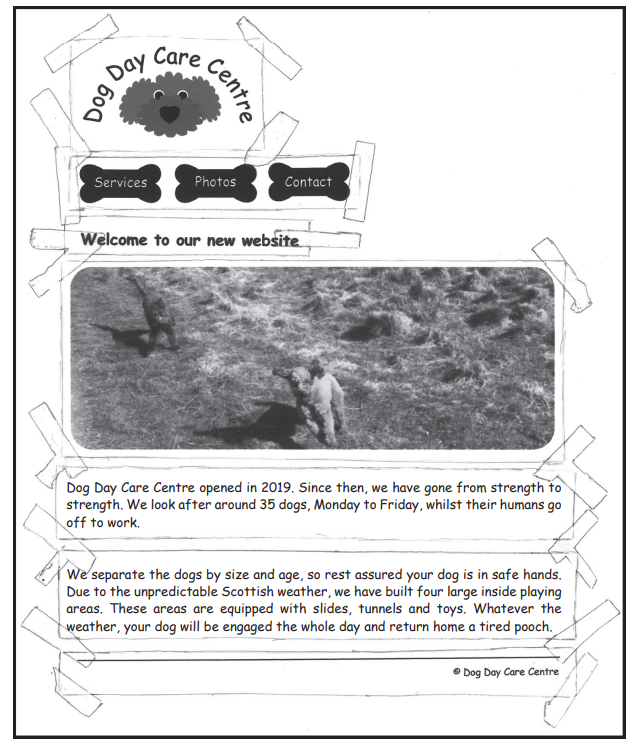
The following design is developed.

Black and white daycare website mock-up with dog logo, bone-shaped navigation buttons, playful tape border, centred photo of dogs in a grassy field.

Code from the Dog Day Care Centre website is shown below.

HTML

<body id="wellbeingPage">
<h1>Services we offer</h1>
<div class="wellbeing">
<h2>Wellbeing</h2>
<p> Dog Day Care Centre can
look after the health and
wellbeing of your dog
</p>
</div>
…
…
<div> © Dog Day Care Centre
</div>
</body>

CSS

body{
background-color:orange;
}
h1{
font-family:Calibri;
font-size:20px;
color:black;
}
h2{
font-family:Calibri;
}
.wellbeing{
color:white;
text-align:left;
}
#wellbeingPage{
color:blue;
text-align:left;
}

(i) State the colour of the ‘Wellbeing’ heading when displayed in a browser.

[1]

(ii) Additional CSS is required to style ‘© Dog Day Care Centre’ at the bottom of the page.

Write a single style rule that would display the copyright information right aligned and as ‘Arial’ font.

[2]