How to Find Your GCSE Results (Online & In Person)

Contents
- 1. Key Takeaways
- 2. When is GCSE Results Day 2026?
- 3. How to Find Your GCSE Results in Person
- 4. How to Find Your GCSE Results Online
- 5. How to Find Your GCSE Results by Post or Email
- 6. How to Get Old or Replacement GCSE Certificates
- 7. What to Do If Your Results Aren't What You Expected
- 8. Frequently Asked Questions
- 9. Ace Your GCSEs with Save My Exams
After months of intense revision and the stress of sitting your GCSEs, you'd think the hard part was over. But then comes the wait - and for many students, those weeks before results day are the most anxious of all.
It can feel even worse when you're not sure exactly how to find your GCSE results. Will they be online? Do you have to go in? What if you can't make it on the day?
Getting your hands on your grades is a straightforward process and this guide walks you through every option available in 2026, so there are no surprises on the day.
Key Takeaways
GCSE results day 2026 is on Thursday 20 August 2026. Results tend to be available from schools from 8am, but this varies, so be sure to check.
Most students collect their GCSE results in person from their school or exam centre.
From summer 2026, the Education Record app is rolling out nationally, allowing Year 11s in England to view grades from 11am on results day.
When is GCSE Results Day 2026?
GCSE results day 2026 is on Thursday 20 August, and schools receive results from exam boards the day before.
From around 8am on Thursday, students can collect their results from their school or exam centre. However, this can vary a little, so make sure you check your school's website or contact the exams office directly.
How to Find Your GCSE Results in Person
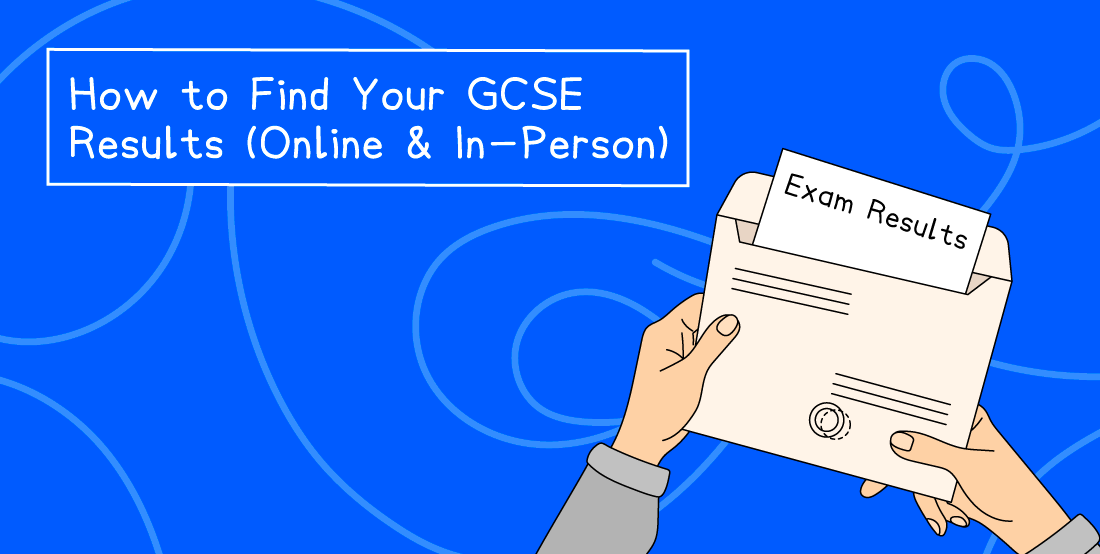
Your school or exam centre will most likely deliver your GCSE results to you in person on results day.
Schools encourage students to come in because teachers and staff will be there to celebrate your achievements. They can also offer support and guidance if your results aren't quite what you were hoping for.
Make sure you know what time your school will be open for results collection. This varies from school to school, but results are typically available from 8am onwards.
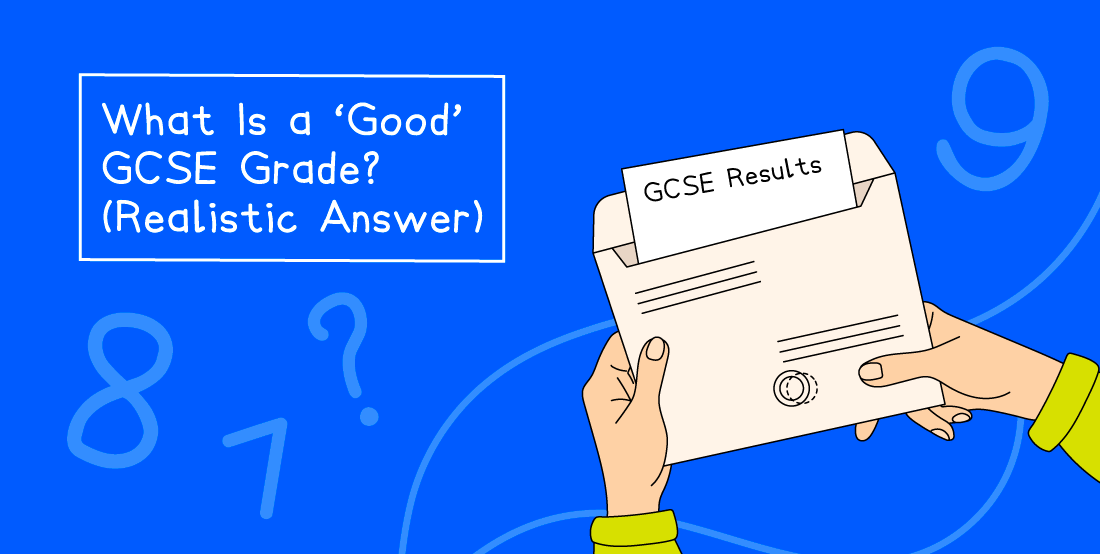
When you arrive, you'll be handed an envelope containing your results slip - usually by a teacher or staff member who knows you. In some cases, you may be asked to confirm your identity, so it's worth bringing photo ID.
You can choose to open your results at school or take them home to open in private. When you do finally take a peek inside the envelope, your results should be clear to read, but the teachers at the school should be able to help you to interpret the slips if you have any difficulty in understanding them. And you can always check out our handy GCSE results paper layout guide.
How to Find Your GCSE Results Online
Whether you can access your GCSE results online depends on which systems your school uses. Here are the most common options.
School Portals (e.g. Arbor, Bromcom, iSAMS)
Many schools publish results via their own student portal or send them directly by email. If your school uses a system like this, make sure you can still log in. Check your credentials and reset your password before results day to avoid any last-minute stress.
ResultsPlus Direct (Pearson Edexcel students)
If your school has registered you for ResultsPlus Direct, you may be able to view your Pearson Edexcel GCSE results online from 9am on results day. Check with your exams officer in advance to find out if this applies to you.
The Education Record App (New for 2026)
From summer 2026, the Education Record app is rolling out nationally for Year 11 students in England.
The app was piloted in 2025 with around 95,000 students in Greater Manchester and the West Midlands, who were able to view their grades from 11am on results day.
If the national rollout goes ahead as planned, students across England will be able to access their results digitally via the app. Check with your school or the Department for Education (opens in a new tab) for the latest information closer to results day.
Note: Even if you can access your results via an app or portal, you may still want to go into school, as you can pick up your results a few hours earlier, plus your teachers and friends will be there. It's a moment worth sharing.
How to Find Your GCSE Results by Post or Email
If you're unable to collect your results in person, most schools can arrange to send them to you by post or email.
However, this isn’t automatic. You'll usually need to arrange this with your school or exam centre in advance. Contact your exams office before results day to let them know you won't be able to attend and to confirm what they can do.
Some schools will also allow results to be collected by an authorised person on your behalf, such as a parent or guardian. They will likely need to bring photo ID and a signed letter of authorisation from you. Check with your school what their specific requirements are.
Important: If you need your results urgently - for example, for a college enrolment or sixth form application - collecting in person or checking online is always the fastest option.
How to Get Old or Replacement GCSE Certificates
Lost your GCSE certificate? Need proof of your results from years ago? Here’s what to do.
Contact Your Exam Board
It might be that you took your exams some time ago, but you need your GCSE certificates for a new job or further qualification.
Unfortunately, with the best will in the world, important documents like these can sometimes get lost. I have direct experience of this myself when I lost all my education certificates during a house move.
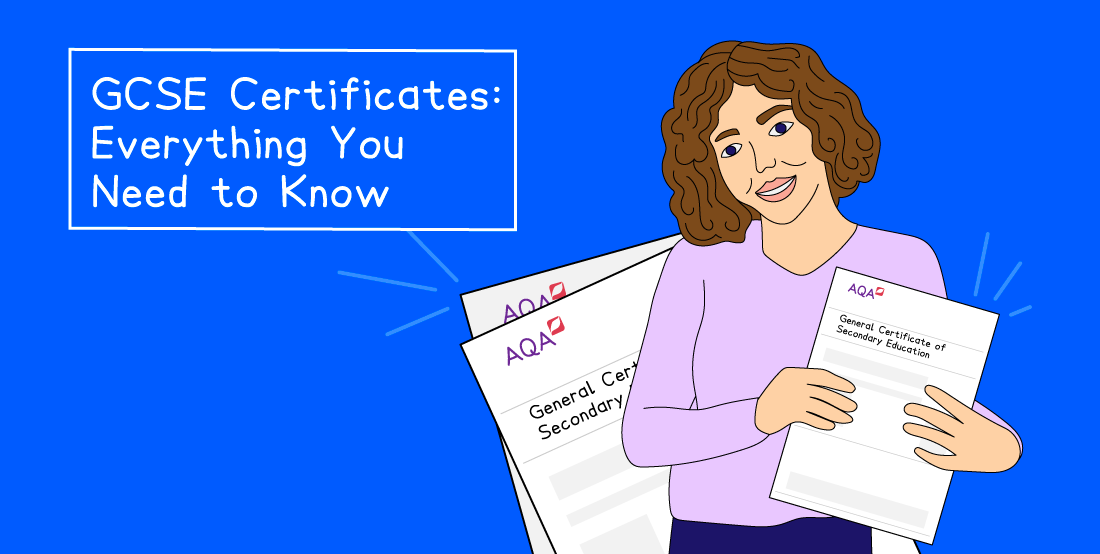
Your exam board won’t issue a replacement certificate, but it will provide a certified statement of results for a fee. This can be used instead as proof of your qualifications.
Here’s where to contact exam boards with corresponding fees:
Exam board | Fee |
Pearson Edexcel (opens in a new tab) | £58 |
AQA (opens in a new tab) | £50.25 |
OCR (opens in a new tab) | £62 |
WJEC (opens in a new tab) | Between £30 and £40 |
If you can’t remember the exam board for your particular GCSE courses, try contacting the school or exam centre where you sat your GCSEs. When you know the relevant exam board, you can then contact them directly.
What to Do If Your Results Aren't What You Expected
Getting lower grades than expected can feel devastating, but it's not the end of the road.
Talk to your teacher or head of year. If a grade seems unusually low or you narrowly missed a boundary, your school can request a review of marking through the exam board.
Consider resits. If you haven't achieved a grade 4 in English or Maths, you'll need to resit these subjects. The November resit window is available for these two subjects. Other subjects can be retaken the following summer.
For more detailed advice, head to our guides on how to appeal your GCSE results and resitting your GCSEs.
Frequently Asked Questions
What time are GCSE results available in 2026?
GCSE results are usually available from around 8am on results day (Thursday 20 August 2026) from your school or exam centre.
If you're accessing them via the Education Record app, results will be available from 11am. Check with your school for their specific opening time.
What is a pass grade at GCSE?
In England, a grade 4 is considered a standard pass, and a grade 5 is a strong pass. In Wales and Northern Ireland, a grade C is the equivalent standard pass.
Can I appeal my GCSE grade?
Yes. If you believe a grade is incorrect, your school can request a review of marking through the exam board. There are deadlines (usually within a few weeks of results day) and fees, which are refunded if your grade goes up. Speak to your teacher or exams officer as soon as possible.
Ace Your GCSEs with Save My Exams
Now that you know how to find your GCSE results, you can completely focus on getting ready for your exams. We’re here to support you.
We have everything you need, from detailed revision notes and ready-made flashcards to exam questions organised by topic and past papers.
Explore our exam-board specific GCSE revision resources to ace your exams or resits.
References
Department for Education - Education Record App (opens in a new tab)
OCR - Replacement Certificates (opens in a new tab)
Pearson - Replacement Documents (opens in a new tab)
AQA - Replacement Certificates (opens in a new tab)
WJEC - Procedures for issuing certificates (opens in a new tab)
Was this article helpful?
Sign up for articles sent directly to your inbox
Receive news, articles and guides directly from our team of experts.

Share this article




 written revision resources that improve your